Can I delete or reinstall a Simlimites eSIM?
Updated August 31, 2026
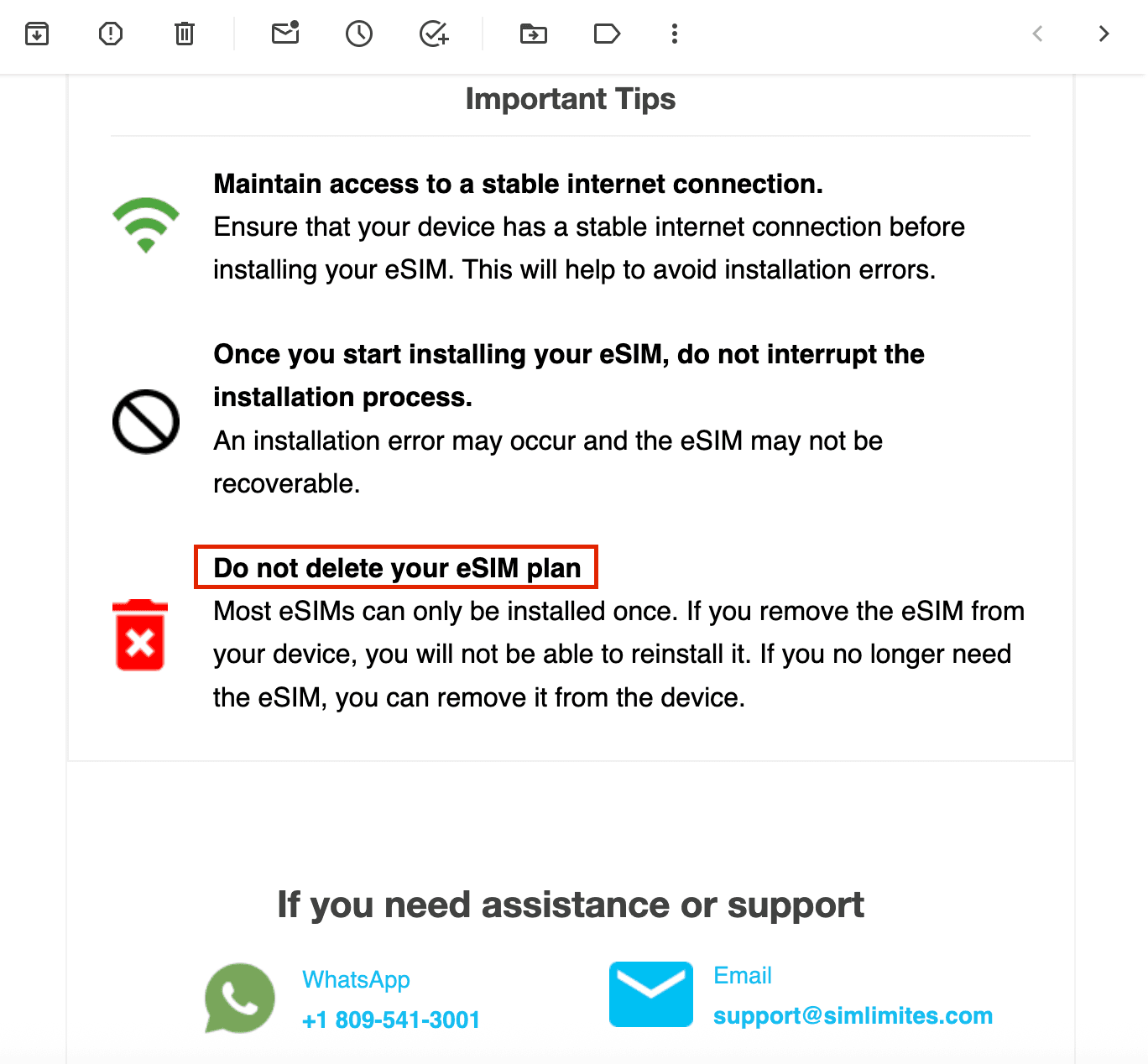
In general, we don't recommend deleting your eSIM once it's installed. Most of our eSIMs can only be installed once on a device. If you delete it, you may not be able to install it again, and you may need to buy a new eSIM.
If you have a problem with your eSIM, don't delete it. Deleting it won't fix the problem, and it may stop us from helping you recover the settings. Before you delete it, contact our customer support team so we can look into the problem with you.
Exception: unlimited plans
If you have an unlimited plan bought through our app or website and you deleted the eSIM, you can scan the QR code again once.
Keep in mind that reinstalling only works on the same phone where the eSIM was first installed.
Tips for installing your eSIM
- Install it before you travel, ideally at home or somewhere with a stable Wi-Fi connection. Avoid installing over a hotspot or mobile data.
- If you have an iPhone with iOS 17 or later, you can install the eSIM straight from our app with the install button or the link you'll get by email.
- If you need to install it manually, you can use the manual setup codes included in your eSIM details. This works on both iPhone and Android.