How do I check if my iPhone supports eSIM and is unlocked?
Updated October 26, 2026
To confirm that your iPhone supports eSIM, go to Settings > Cellular. You should see Add eSIM there.
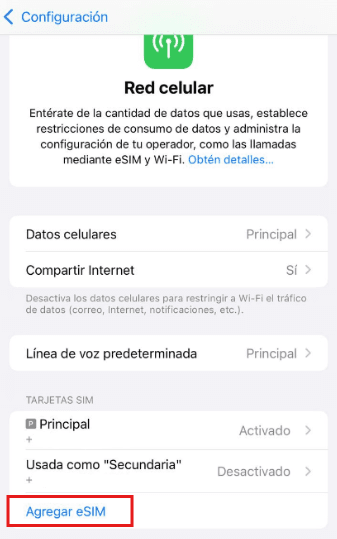
To check if your iPhone is unlocked, go to Settings > General > About and look for Carrier Lock. If it says No SIM restrictions, your iPhone is unlocked and works with your Simlimites eSIM.
01 of 03
This works on iOS 14 or later. If your iPhone runs an older version, ask your local carrier.