How do I unsubscribe from marketing emails?
Updated March 31, 2025
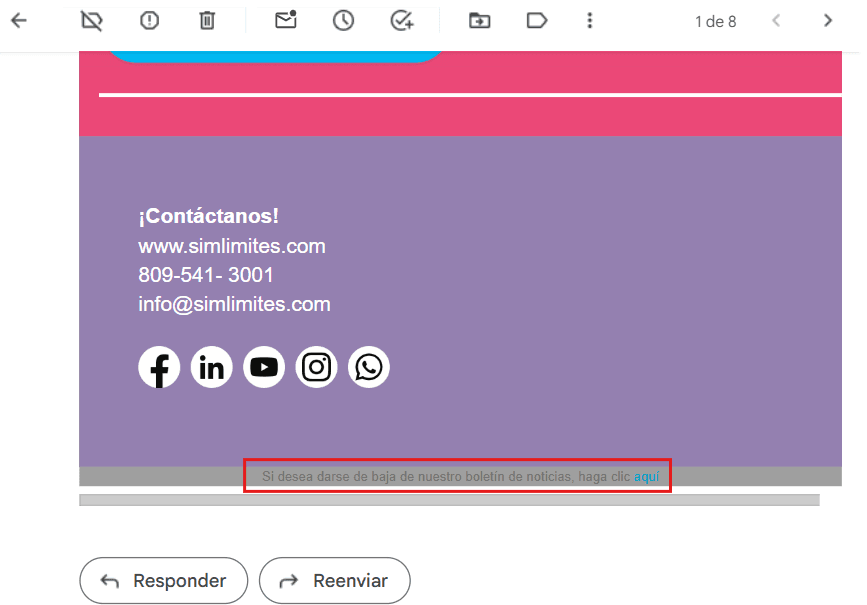
If you no longer want to get our marketing emails, you can unsubscribe easily. Scroll to the bottom of any marketing email you've received and click the option to unsubscribe.
If you still get our emails after doing this, please contact our support team here and we'll help you sort it out.