Where can I find my order number?
Updated May 2, 2025
Your order number comes by email along with your QR code. You can also see it on your payment confirmation page and in your account:
On the website:
- 01Tap Sign in at the top right and sign in with the email you used to buy.
- 02Open My account and choose My orders.
- 03Each order shows its number. Tap
View eSIMfor all the details.
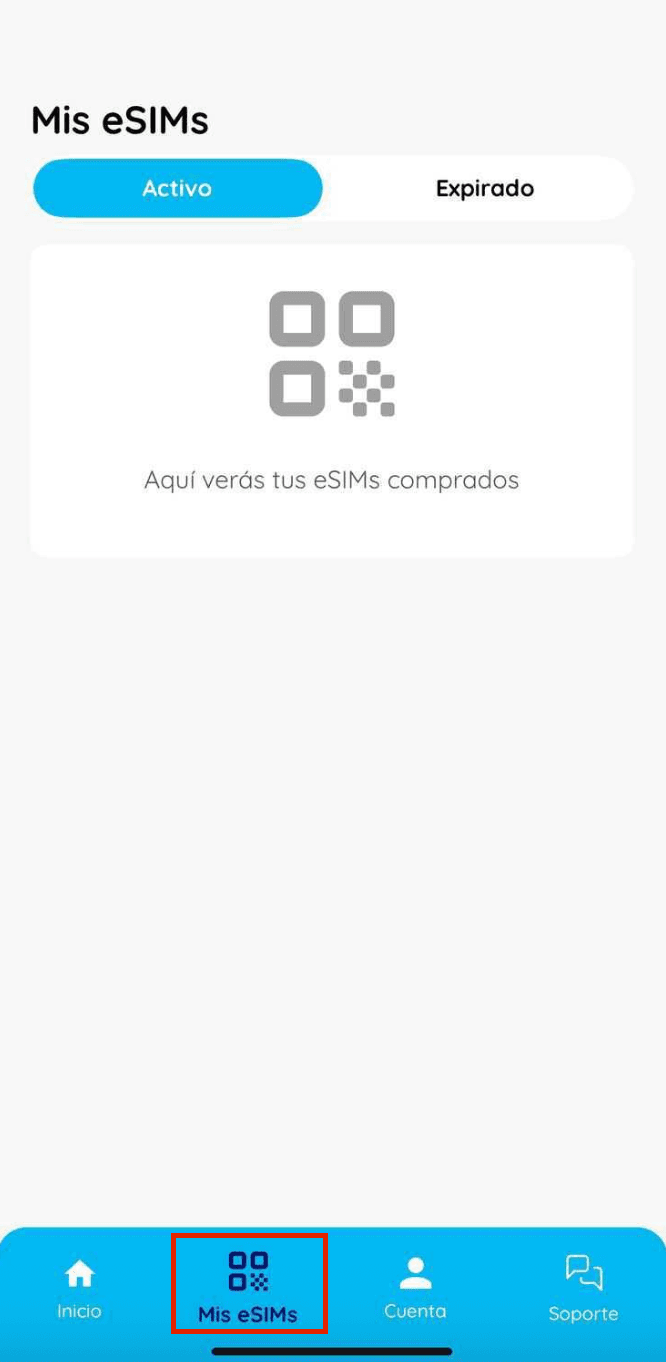
In the app:
- 01Open the app with the account you used to make the purchase.
- 02Scroll down and select “My eSIMs”.
- 03In the “Active” section, you can see your order with all its details.